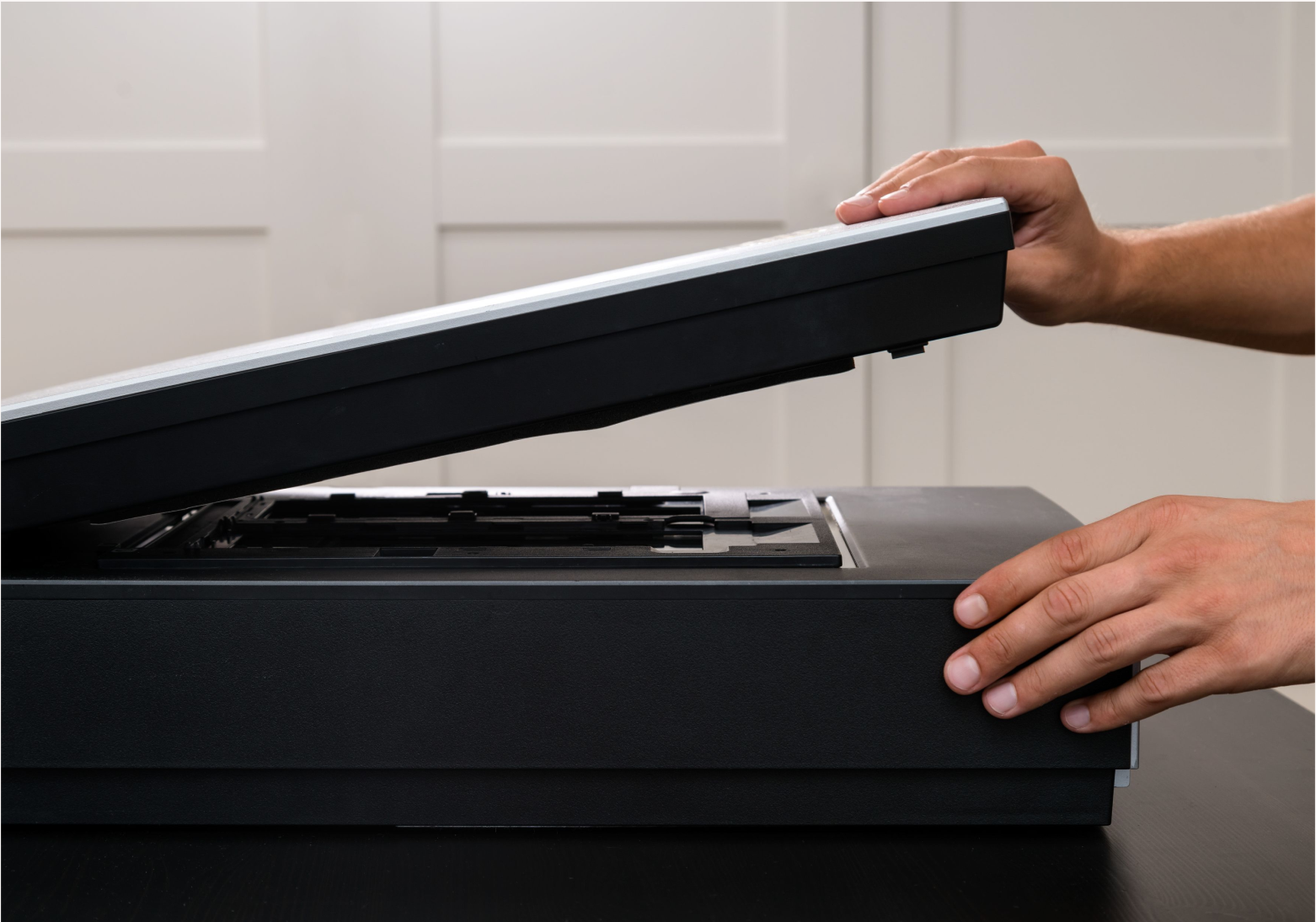
Enhancing the clarity and efficiency of image handling, scanning, and editing methods at Image Services at the University of Toronto.
Sector
Education
Client
Image Services, The University of Toronto
Tools
Adobe Photoshop, EPSON Scan, EPSON V850, VueScan, SilverFast, Nikon CoolScan 9000, Miro
My Role
I was responsible for researching best archival practices, testing equipment and software, and writing user research guides as part of building better and consistent image services.
Image Services
Image Services maintains the Art History Department’s extensive 35mm slide collection and provides services such as digital imaging, image sourcing, software consultations, and audiovisual equipment support for classroom and event use.
Project Background
Image Services aimed to create user guides for new and existing Image Technician employees to standardize processes and enhance onboarding.
Stakeholder and User Needs
I conducted informal discussions with employees and the manager.
- Image Technicians wanted clear guidance on the various hardware and software tools at their disposal, along with quick, accessible answers while working independently. They also emphasized the need for practices that consistently meet archival standards.
- The Visual Resource Curator sought a thorough evaluation of available hardware and software, along with concise user guides to support both new and experienced employees in meeting professional archival benchmarks.
Process Steps
1. Exploration and Testing
I conducted a detailed examination of multiple scanning and editing techniques. By testing each approach, I assessed their influence on image quality and user experience, identifying the strengths and weaknesses of various methods.
2. Data Analysis
Using the results from these tests, I identified which methods delivered the best clarity, color accuracy, and user satisfaction. This analysis informed my recommendations for the most effective and user-friendly practices.
3. Formulation of Best Practices
With the data in hand, I developed a clear set of best practices tailored to the unique needs of the Image Services department. These guidelines provided consistent, reliable instructions for image scanning and editing.
4. User Guide Development
I translated these best practices into step-by-step user guides. By incorporating visual aids and clear instructions, I ensured that the guides were accessible and easy to follow, even for those working independently.
5. Feedback Integration
Throughout the process, I collected feedback from the supervisor and colleagues to ensure that the guides met real-world needs. This feedback was crucial in refining the content and making the guides as helpful and practical as possible.
6. Distribution
Finally, I organized and distributed the completed guides through official departmental channels, ensuring that everyone could easily access the resources they needed to perform their tasks efficiently and to professional standards.
Designs
The project resulted in two user guides with clear guidance for users engaging in scanning and editing processes:
EPSON V850 User Guide
A concise manual providing instructions and information on the operation and features of the EPSON V850 slide scanning hardware and software.

Image Services - EPSON V850 Slide Scanning
Adobe Photoshop User Guide
A concise manual providing instructions and insights into the functionality and optimal use of frequently employed tools within the Adobe Photoshop software.
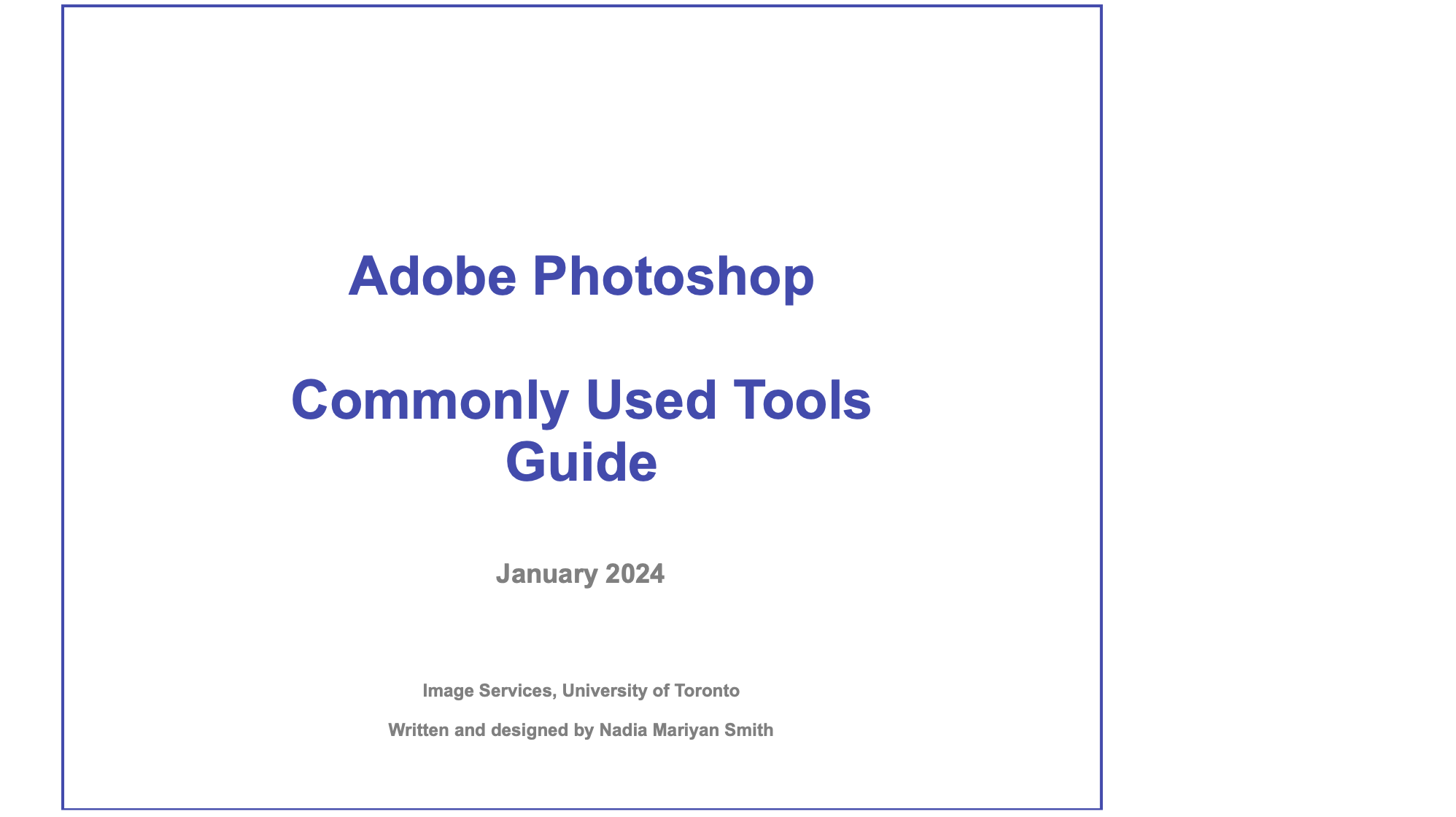
Image Services - Adobe Photoshop User Guide
Takeaways
- Importance of Feedback: I realized the importance of feedback from both the supervisor and the colleagues when designing the user guides, as it ensured that they were tailored to meet the specific needs and expectations of all stakeholders.
- Ensure Easy Access: Even the most comprehensive guides lose their value if they aren’t readily accessible. Ensuring that colleagues can easily find and use these resources is essential to keeping everyone aligned and informed.
Thank you for reading!